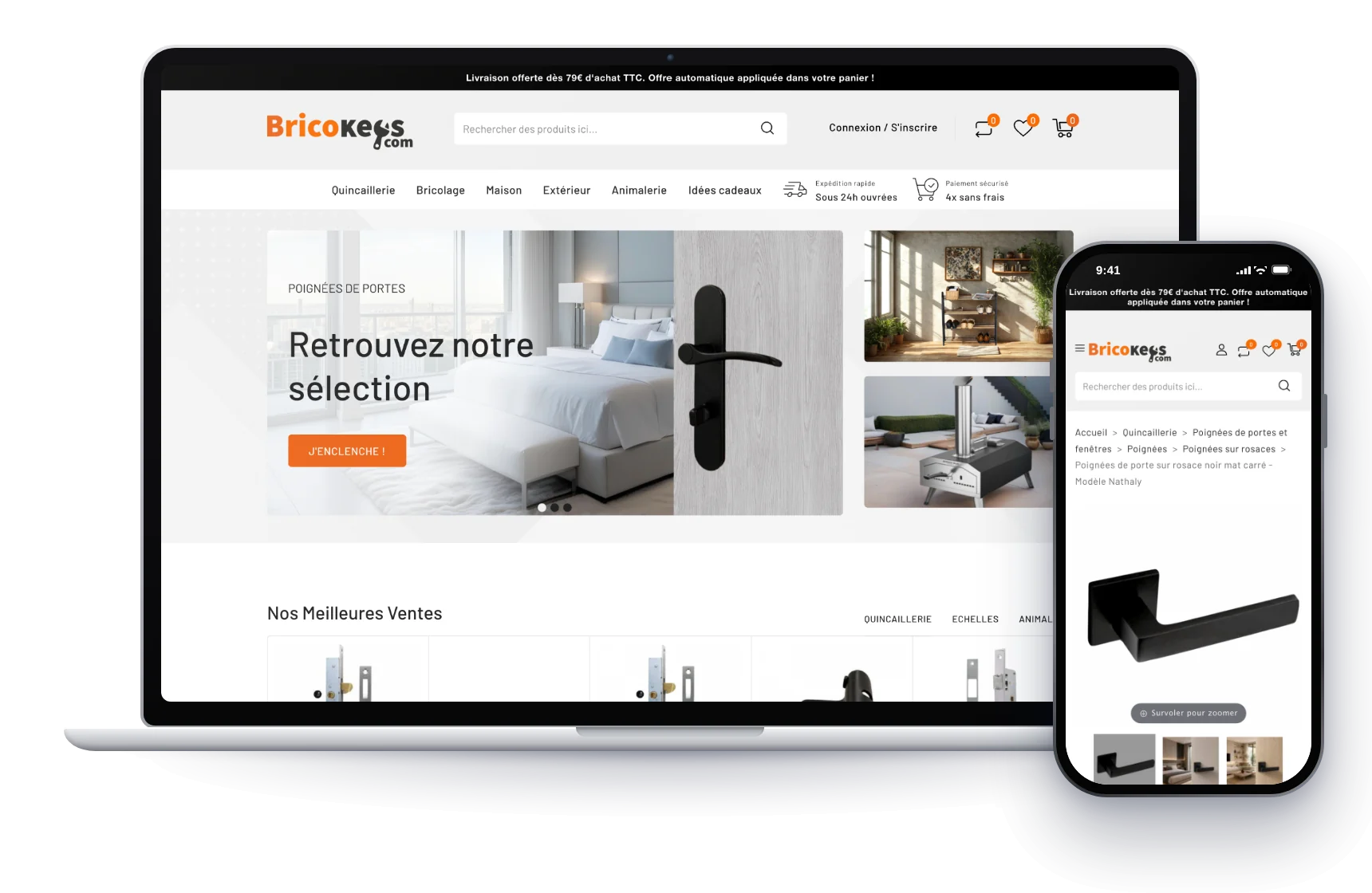
Bricokeys
PrestaShop store and Sage 100
A PrestaShop store I’ve been looking after for several years. I moved it from version 1.7 to 8 while redesigning the site, built its custom business modules, and connected it both ways to the company’s ERP.






This store sells every day, and breaking it was not an option. Before writing a single line, I listed everything that had been changed over the years: the overrides, the theme tweaks, and the modules nobody was tracking any more.
Between 1.7 and 8, PrestaShop changes a lot under the hood. Overrides no longer behave quite the same way, some hooks disappear, and Symfony replaces the old code across much of the back office. Code written specifically for a store can then stop working all at once.
So I went through every tool the teams use day to day, one by one, and carried it over to the new version without changing the way they work. The morning after the switch, they had to find their tools exactly as they had left them.
I used the opportunity to redesign the site. Changing the look at the same time as the version meant paying for the same work only once, and the store started again on a clean theme that I know inside out.
I didn’t update the site in place. I rebuilt it entirely on a copy, checked every feature, and only switched over once everything had been validated, rather than on a date set in advance.
Much of the work can’t be seen from the store itself. It serves the teams who use it every day, and none of it exists in PrestaShop out of the box.
For the operators, I built a telephone ordering module. They enter the order, apply discounts, choose the carrier or a deferred delivery, then send the customer a secure payment link. I also created a referral system that links each customer to the practitioner who follows them, with its own codes and a separate admin area, along with a loyalty programme and quantity-based pricing.
Finally, I connected the store to the company’s ERP in both directions, so nothing is entered twice. Orders from the site go to the ERP in the format it expects, and customers and orders created elsewhere come back into PrestaShop. The teams get a single view, whatever the sales channel.
The trickiest part is the day an exchange fails silently. You only find out later, when a customer orders a product that’s no longer in stock. That’s why every exchange keeps a record of its status.
I’ve been maintaining these tools for years. Each one has come through two major version changes while the store kept selling.
The next step is already known. PrestaShop is now on version 9 and continues its move to Symfony, which will mean even more work for stores with custom code.
The method will stay the same: the inventory first, then the business features, with a way back ready before touching anything.

Direct client, named with their agreement. PhytoQuant’s business figures belong to them: I publish none of them, here or anywhere else.
PrestaShop store and Sage 100
SEO-ready WooCommerce store
Custom 3D web application
Laravel site linked to suppliers
Contact
A few lines are enough, even if your idea isn’t fully formed yet. I read every message and reply personally.
Reply within one business day
Prefer email?
contact@ivanvujno.com